The dream of taking video calls from a safari tent collides with slow satellite internet, dying batteries and no backup power. Working remotely from a glamping site sounds idyllic until your first call drops mid-sentence or your laptop hits 10% with no outlet in sight. Canvas walls, starry skies and a wood-fired hot tub are wonderful, but none of them charge a laptop or stabilize a shaky connection.
This guide walks through what remote work actually demands of a tent: how to vet Wi-Fi before you book, what solar power can and cannot do, when to travel for the best bandwidth, which destinations make sense, and what to pack in your tent office kit. By the end, you will know exactly which questions to ask hosts and how to plan for the realities, so the view stays beautiful and your workday stays functional.
What Working Remotely From a Glamping Site Actually Requires
Before you book a yurt with a view, get honest about what your job needs. Video calls are the most demanding part: they typically require at least 3-5 Mbps of upload speed to run smoothly. Download speed gets all the attention, but upload is what carries your face and voice to colleagues, and it is often the weaker number on rural connections. That is why “Wi-Fi available” in a listing tells you almost nothing. Ask hosts for measured, recent speeds instead.
Data usage is the second constraint. A full workday of video calls, cloud syncing and file uploads generally uses roughly 1-2 GB per day. On a shared site connection, your workday competes with other guests streaming films in the evening, which is when speeds tend to sag.
Power is the other half of the equation
Bandwidth means nothing if your devices are dead. A laptop, a phone and a hotspot router all need daily charging, and on an off-grid site that is not guaranteed. Treat reliable power as a requirement equal to internet speed when you evaluate any site, and plan your gear around it rather than hoping outlets appear once you arrive.
How to Vet Glamping Wi-Fi Before You Book
The single most useful thing you can do before booking is message the host directly. Ask for a screenshot of a recent speed test, taken inside a tent rather than the main lodge if possible. Many sites advertise Wi-Fi that only reaches a common building, which turns every work call into a walk across a muddy field with your laptop open.
Also ask what kind of connection the site uses. Satellite internet, fixed wireless and a mobile router behave very differently in bad weather, and satellite in particular can suffer interruptions during heavy rain or snow. Knowing the technology upfront tells you what to expect on a gray week.
- Ask how many guests share the connection: a fast line split between eight tents behaves very differently than one shared with two, especially in the evening when everyone streams.
- Ask if the router has been updated recently: older equipment on rural connections is a common cause of dropouts that no speed test screenshot will reveal.
- Ask about a backup option: some hosts keep a mobile router or spare hotspot on hand for outages, which can save a critical meeting day.
Reviews are your second tool. Search recent reviews specifically for the words “Wi-Fi” and “signal”, and filter out anything older than a year, since rural internet setups change often. Finally, open your carrier’s coverage map and confirm mobile coverage at the site’s location. A mobile hotspot is your most realistic backup, and knowing the signal strength before you arrive removes the biggest surprise.
Power Realities: Solar, Batteries and Backup Charging
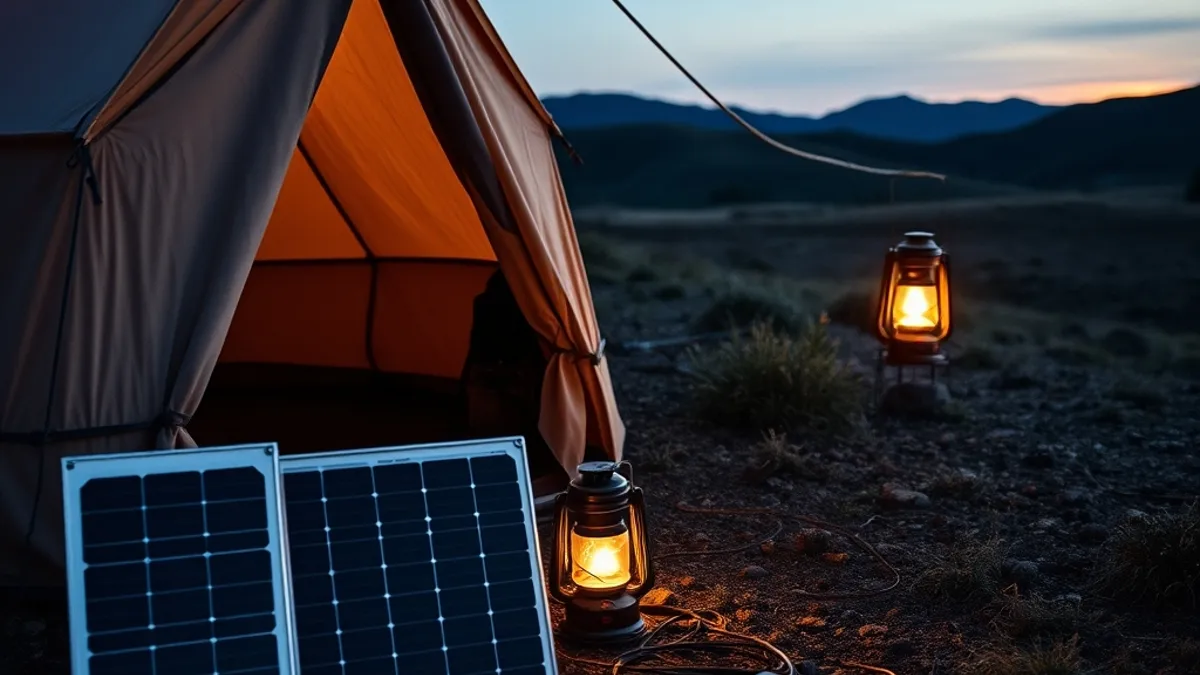
Most off-grid glamping sites run on solar with limited evening capacity. Batteries that were full at sunset can be drained by midnight if the site also powers lights, fridges and hot water. The practical habit is simple: charge everything during midday sun hours, when generation is at its peak, and treat evening outlets as a bonus rather than a plan.
Bring your own storage too. A 20,000 mAh power bank comfortably covers phones, and it can recharge a laptop roughly 1-2 times in a pinch. If you run a laptop all day, every day, a portable power station in the 500-1,000 Wh range will keep it going for 2-4 working days between recharges.
- Ask about outlet types before you pack adapters: some tents have full 230V or 110V sockets, while others offer only USB ports or a single shared charging point in the common lodge, which changes what cables you need.
- Check whether the power station can be recharged on site: some hosts allow it in the lodge during the day; others do not, and a station you cannot refill is just dead weight.
- Find out if there is covered outdoor space: charging gear in a damp tent is risky, so a dry common area or a sheltered porch matters more than you would expect.
If you have on-site parking, a 12V car adapter is a practical last resort. It will not run a laptop for long, but it keeps phones and a hotspot router alive through a cloudy stretch, and it costs almost nothing to throw in the glovebox.
Timing Your Stay: Season and Booking Lead Time
Timing can make or break a remote work week at a glamping site. In shoulder season months like May and September, occupancy drops, which means fewer guests competing for the same shared Wi-Fi. Rates also fall 30-50% below peak season pricing, so you often get better connectivity and a quieter tent for less money.
June through August is the opposite story. Sites fill up, bandwidth gets stretched thin, and the best-connected spots book out early. If your work depends on reliable video calls, aim to book sites with confirmed connectivity 4-8 weeks ahead for a summer stay. Don’t rely on the listing description alone; get the host’s speed test details in writing before you pay the deposit.
The shoulder-season catch
There is one risk worth planning around: some remote sites close entirely or reduce services outside summer. A tent with heating might become a tent without Wi-Fi, hot water or even staff on site in late September. Before booking a shoulder-season stay, confirm the exact opening dates and which services run during your window. A quick message asking “what’s operational in May?” can save you from arriving at a half-shuttered site with a week of calls scheduled.
Choosing Destinations Where Remote Glamping Works
Not all glamping destinations are equal when it comes to working remotely. The sweet spot for most people is forest or lakeside glamping within an hour of a mid-sized town. You get the trees, the water and the morning birdsong, but you stay close enough to civilization that mobile coverage is usually usable. These sites often let you run your whole workday on a personal hotspot if the site Wi-Fi disappoints.
If you crave real silence, look to genuinely remote hideaways in the mountains or the far north. Places like the remote hideaways near Khuvsgul deliver open-sky stillness you simply cannot find near towns, but they demand serious preparation: satellite internet as the primary connection and a full power backup setup, since there is no grid to fall back on.
Why coastal sites are a mixed bag
Coastal glamping sites often enjoy strong mobile signal, since towers tend to reach populated shorelines well. The trade-off is exposed weather. Storms, salt air and high winds can interrupt satellite connections precisely when a front rolls through, and canvas accommodation offers little shelter for electronics. If you book a coastal site, verify how the internet is delivered and have a mobile data fallback ready.
Your Remote Work Kit for a Tent Office
Working a full week from a canvas tent is entirely doable, but only if you pack for the realities of tent life. The most underrated item is noise-cancelling headphones: canvas walls block almost nothing, so wind, rain and your neighbors’ evening conversations all become part of your soundscape. Good headphones turn that into something you can tune out during calls.
Connectivity backup matters just as much. Bring a local SIM or eSIM data plan as a hotspot fallback in case the site Wi-Fi struggles, and keep an offline copy of critical files on your laptop. If your connection drops mid-presentation, you should never be more than a moment away from your own documents.
Beyond the basics
Once the essentials are covered, a few smaller items make the difference between one tolerable night and a productive full week:
- Laptop stand: tables at glamping sites are often low picnic benches; a stand brings your screen to eye level and saves your neck over a week of work.
- Headlamp with a red-light mode: paths between tents and the common lodge are usually unlit, and red light won’t blind you at 3 a.m. when you need to find the bathroom.
- Lightweight rain cover for gear: a simple dry bag or cover protects your laptop and hotspot router during the walk to the lodge or a sudden leak over your desk.
Finally, plan your schedule around shared bandwidth. Put deep-work blocks in low-traffic hours and keep video calls to mornings, when the site Wi-Fi is least congested. Sites like the slow countryside hideaways in Provence reward exactly this rhythm: calls done by noon, then the afternoon for focused work with the lavender air outside your tent.
The Realistic Trade-Off
So can you really take video calls from a safari tent? You can, but only if the dream survives contact with reality. Slow satellite connections, a laptop battery fading by mid-afternoon and no backup power will end the experiment fast unless you plan for them.
The formula is simple: verify actual speeds before you book, bring enough power backup to run a full workday, and travel in shoulder season when the Wi-Fi is shared with fewer guests. Do that, and the reward is real — a workday framed by trees, water or open sky, provided you plan connectivity and charging as carefully as the view. If you have worked from a tent yourself, share how it went in the comments.