Most business travelers book a hotel based on price and location, then discover on day one that the “work desk” is a narrow shelf, the meeting room is booked solid, and the only quiet corner is a crowded lobby. That mismatch costs real hours: calls get rescheduled, presentations move to noisy cafés, and focused work gets pushed to the evening. The right business hotel amenities can prevent all of that, but only if you check for them before you pay.
This guide walks through the amenities that actually shape a work trip. We’ll start with why these details make or break your stay, then cover what to check in an in-room desk, how meeting rooms are sized and booked, when an executive lounge upgrade pays off, and which connectivity and support services keep you productive. We’ll also look at how to pick the right district for your meetings and how to match amenities to your specific trip, whether you’re working solo from the room or hosting clients on site.
Why Business Hotel Amenities Make or Break a Work Trip
A hotel room is often your office for a few days, and the difference between a productive stay and a frustrating one usually comes down to the details. A cramped desk or a noisy room forces you to take your laptop down to the lobby or a nearby café, where you trade focused hours for background chatter, unreliable seating, and a hunt for power outlets. Those lost hours are hard to get back, especially when you have calls stacked across time zones.
Amenities that replace paid workspaces
Good amenities also save money, not just time. A hotel meeting room replaces a paid coworking day pass when you need to host a client, and a quiet executive lounge with coffee, snacks, and seating does the same job for solo work. If you’d otherwise buy coworking access or work from cafés for several days, the amenity effectively pays for itself within the stay.
The practical move is to verify these details before booking. Hotel websites and photos usually show desk sizes, meeting facilities, and lounge access, and a quick email to the property can confirm anything unclear. Checking ahead avoids the worst scenario: discovering mid-trip that your room doesn’t work, then juggling a room change request and hoping your rate is refundable. Ten minutes of research protects both your schedule and your budget.
In-Room Desks: What to Check Before You Book
The in-room desk is where most solo work actually happens, so it deserves more scrutiny than it usually gets. Many hotels, even good ones, treat the desk as an afterthought: a narrow ledge squeezed between the wardrobe and the wall, paired with a stiff dining-style chair. For a one-night stay that’s tolerable; for a three-day working trip, it becomes a backache with a power strip.
Start with size and seating. A proper work desk should measure at least 100 cm wide, enough room for a laptop, a notebook, and a coffee without everything colliding. The chair matters just as much: look for an ergonomic, adjustable office chair rather than a decorative side chair borrowed from the room’s sitting area. Then check placement. A desk near a window gives you daylight for long sessions, and outlets at the desk level, not just beside the bed, mean you’re not working off a battery or stretching a charger across the room.
Before you book, it helps to check a few specific details:
- Photos of the room type you’ll actually get. Hotels often show their best room category; ask whether the standard room has the same desk setup or a smaller one.
- Whether the desk faces the window or a wall. A window-facing desk gives you daylight and a view on video calls, while a wall-facing one can feel claustrophobic over long sessions.
- Desk height and legroom. If you use an external monitor or work long hours, ask whether the desk is a fixed work surface or a fold-down shelf, which limits how you can set up.
- Room location options. Request a room away from elevators and ice machines; the constant hum and hallway noise can wreck the audio quality of video calls.
If the website doesn’t answer these questions, a short email to the hotel usually does. Most properties will happily confirm desk dimensions, outlet locations, and a quiet room assignment, especially if you mention you’re traveling for work.
Meeting Rooms: Sizes, Setups, and Booking Lead Times
If your trip involves clients, interviews, or a small team session, the hotel’s meeting facilities can decide where you stay. Most business hotels offer boardroom-style rooms that typically seat 4-12 people, which suits exactly the formats business travelers need most: a client presentation, a job interview, or a working session with a few colleagues. Larger conference floors exist, but for most trips the small boardroom is the room you’ll actually use.
Book early, especially in peak season
Availability is the constraint, not the room itself. Reserve meeting space 1-2 weeks ahead as a general rule, and earlier if your dates fall in the September-November or March-May conference peaks, when corporate demand fills small meeting rooms fast. If your meeting dates are fixed and fall in those windows, booking the room at the same time as your guest room is the safest approach.
Confirm the details in writing
Before you commit, ask the hotel two things. First, whether room rental is waived for hotel guests, since many properties include meeting space free with a room booking while charging external groups. Second, exactly what’s included: confirm the AV equipment, whiteboards, and catering options in writing, ideally by email, so there’s no ambiguity on the morning of the meeting. A projector that turns out to be rented separately, or coffee service that was never booked, is an avoidable embarrassment in front of a client.
One more practical tip: visit the room the evening before if you can, or arrive early on the day. Testing the screen connection and seating layout ten minutes ahead of your guests is far better than troubleshooting while they watch.
Executive Lounges: When the Upgrade Pays Off
Executive lounges are one of those upgrades that sounds indulgent until you actually price it out. Access typically adds 20-50 EUR per night to your rate, which sounds steep until you compare it to what you would otherwise spend on a hotel breakfast, two coffees, an afternoon workspace, and an evening drink or two. In many city centers, that adds up quickly, and the lounge can quietly pay for itself over a two- or three-night stay.
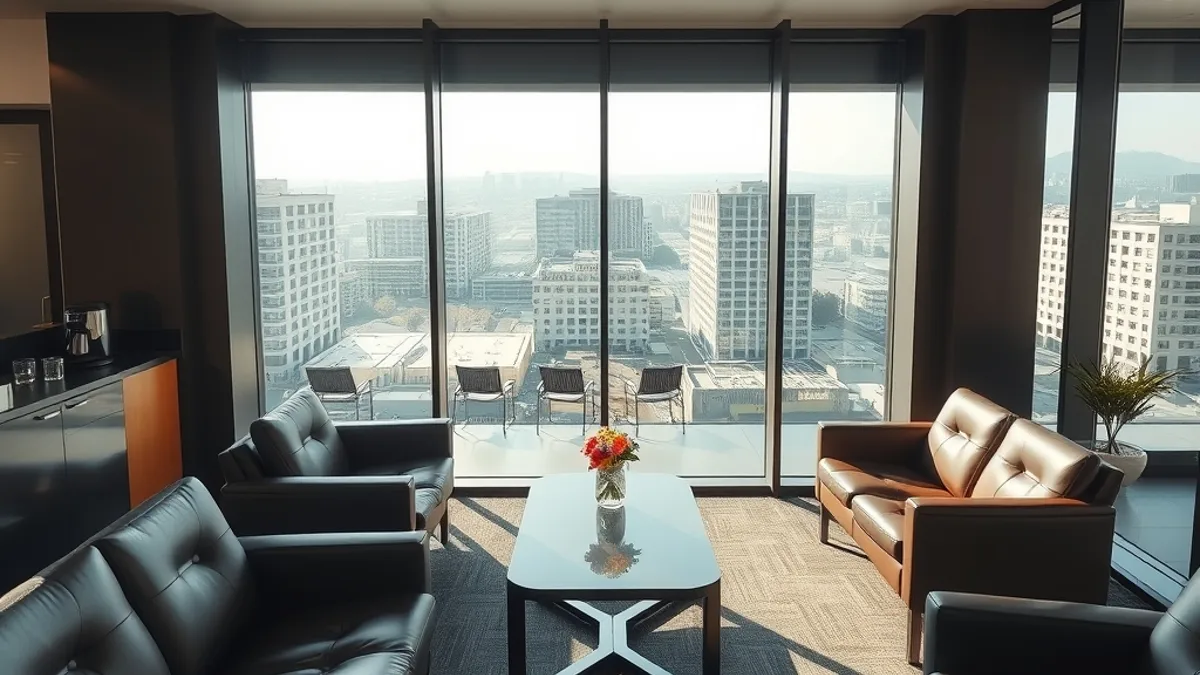
The value goes beyond food. Lounges usually offer quiet seating away from the main lobby, which makes them a practical spot for informal work, quick calls, or reviewing notes between meetings. Most serve breakfast, evening drinks, and snacks on weekdays, so if your trip is mostly weekend-based, check whether the lounge even operates on the days you are there.
Before you pay anything, check your loyalty status. Many hotel programs include lounge access free at certain elite tiers, and some rates bundle it in without advertising it clearly. A quick look at your status benefits or a message to the hotel can save you the entire upgrade fee.
- Ask about guest policies: some lounges allow one or two visitors per room, which matters if you are meeting a colleague informally.
- Check the lounge’s actual operating hours, since some close between lunch and the evening service, leaving you without a workspace in the afternoon.
- If you travel with a partner or team, confirm whether the fee is per room or per person, as this can double the effective cost.
- Request a recent photo or description of the lounge when booking, because the term covers everything from a full floor with meeting nooks to a small corner with two armchairs.
Connectivity and Support Services That Keep You Productive
Nothing derails a workday faster than Wi-Fi that cannot handle a video call. Treat a connection of at least 50 Mbps as your baseline, and do not just trust the marketing on the booking page. Many business hotels list free high-speed Wi-Fi as a standard feature, but speeds can vary between floors and room types, so it is reasonable to ask the front desk what guests typically experience or to run a quick speed test within an hour of checking in.
If your work involves large uploads, such as video files, design assets, or big data backups, ask whether the hotel offers a wired connection in the rooms or a business center with an ethernet port. Wired connections are more stable for heavy transfers, and a few hotels still provide them on request even when they are not advertised.
Arriving Late or Early
If your flight lands after midnight, prioritize hotels with 24-hour reception and express check-in. Many business hotels offer both specifically for late arrivals, and it means you can get your key, your Wi-Fi code, and your room without waiting for a morning shift or a security gate procedure. Confirm this when booking rather than assuming, especially at smaller properties.
On the other end of the schedule, arriving before standard check-in time is a common frustration. Look for hotels that offer luggage storage so you can drop your bags and start working or head straight to a meeting instead of dragging a suitcase through a lobby. Printing and scanning services are also worth checking if you still deal with physical contracts or boarding documents; many business hotels have a small business center or can arrange these at the front desk.
Location Strategy: Choosing the Right Business Hotel District
Business hotels do not spread evenly across a city. They cluster near airports, convention centers, and central business districts, and each cluster serves a different kind of trip. The single most useful question before booking is simple: where are most of your meetings? Matching the district to your actual schedule matters more than star ratings or lobby design, because a beautiful hotel an hour from your clients is still the wrong hotel.
Airport hotels trade city access for convenience at the edges of the day. If you land late or fly out early, they are hard to beat, and many offer shuttle transfers to the terminals, which removes the need to negotiate late-night taxis in an unfamiliar city. But if your meetings are downtown, factor in the daily round trip, both in time and cost, before the lower rate wins you over.
Downtown properties in or near the central business district usually cost more, but they cut commute time to nearly zero when your meetings are in the CBD. That extra hour each morning can go to preparation, exercise, or sleep instead of traffic, which over a three-day trip is a real difference.
- Convention center hotels spike in price and occupancy during major events, so book early if your trip coincides with a large trade show.
- Check whether the hotel is near a metro or train line if your meetings are spread across the city, since a hub location can beat a slightly closer address.
- Look at what is walkable around the hotel, such as restaurants and cafés for evening client dinners, because you will rarely want to travel again after a full meeting day.
- If you have meetings in two different districts, consider splitting the stay between two hotels rather than commuting from one base every day.
Matching Amenities to Your Trip
The fix for the problem most business travelers know too well—booking on price and location alone, then discovering mid-trip that the desk wobbles, the meeting space is gone, or the lounge is a paid extra—is to match amenities to how you actually work. Ten minutes of checking before you book beats a room change and a refundable-rate headache later.
The priorities shift with the trip. Solo travelers working from the room should weigh desk size, chair quality, and Wi-Fi speed above everything else. If you are hosting clients, meeting room availability and lounge presentation matter most. And frequent flyers on short stays get the best return from lounge access and express check-in. If this helped you plan your next work trip, leave a comment or share the article.