Picture this: you book a villa with a private pool and a jungle view, fly in with big plans to work from paradise, then discover the Wi-Fi barely loads email, the only “desk” is a wobbly coffee table, and your team’s stand-up meeting falls at midnight local time. Working from a villa can be brilliant, but only if the basics are sorted before you land.
This guide walks you through the practical side of remote work in a holiday rental. We’ll cover how to verify villa Wi-Fi before you book, how to set up a real desk, backup internet options like eSIMs and portable routers, time zone strategies for staying in sync with your team, how to choose destinations and villas that actually suit work stays, and how to balance your hours with the pool, the garden, and everything else you came here to enjoy. By the end, your setup will be sorted.
How to Verify Villa Wi-Fi Before You Book
Nothing ruins a work trip faster than discovering on day one that the villa’s “fast Wi-Fi” means fast compared to dial-up. Video calls need at least 10 Mbps upload and 25 Mbps download, and many villas in popular destinations fall short of that, especially older properties sharing one router across several rooms. The good news is that a few questions before booking will filter out the problem properties quickly.
Start by treating the Wi-Fi claim as unverified until proven otherwise. Hosts are often honest but vague: they know the internet “works,” but they may never have run a speed test themselves, or the last one they saw was months ago before the router was moved or the neighbor’s household doubled its usage. Make the host do the legwork for you, and pay attention to how quickly and specifically they respond, since a vague or evasive answer tells you something too.
- Ask for a speed test screenshot taken within the last 30 days, showing at least 25 Mbps download and 10 Mbps upload, so you know the figures reflect the connection as it exists right now.
- Confirm whether the connection is fiber or a mobile hotspot, because hotspot connections typically slow down in the peak evening hours when everyone in the area is streaming.
- Scan recent guest reviews for mentions of remote work or video calls, since a reviewer who says “took calls all week, no drops” is worth more than any host’s promise.
- Ask about a backup option, such as a nearby coworking space or café with reliable internet, so you know where to go if the villa connection fails on a big call day.
Setting Up a Real Desk in a Holiday Villa
Working from a bed or a sagging lounge sofa sounds appealing until your neck files a complaint by day three. A real desk setup doesn’t need to be elaborate, but it does need to exist, and in many villas you’ll need to create it yourself. The good news: a proper work corner takes up less space and luggage weight than most people expect.
Your compact work kit
Pack a laptop stand, an external mouse, and noise-cancelling headphones, all of which together come in under 1 kg. The laptop stand alone transforms comfort, raising the screen to eye level so you’re not hunching for hours. The headphones earn their space on days when construction crews, roosters, or a nearby family pool session collide with your call schedule.
Choosing and testing your work spot
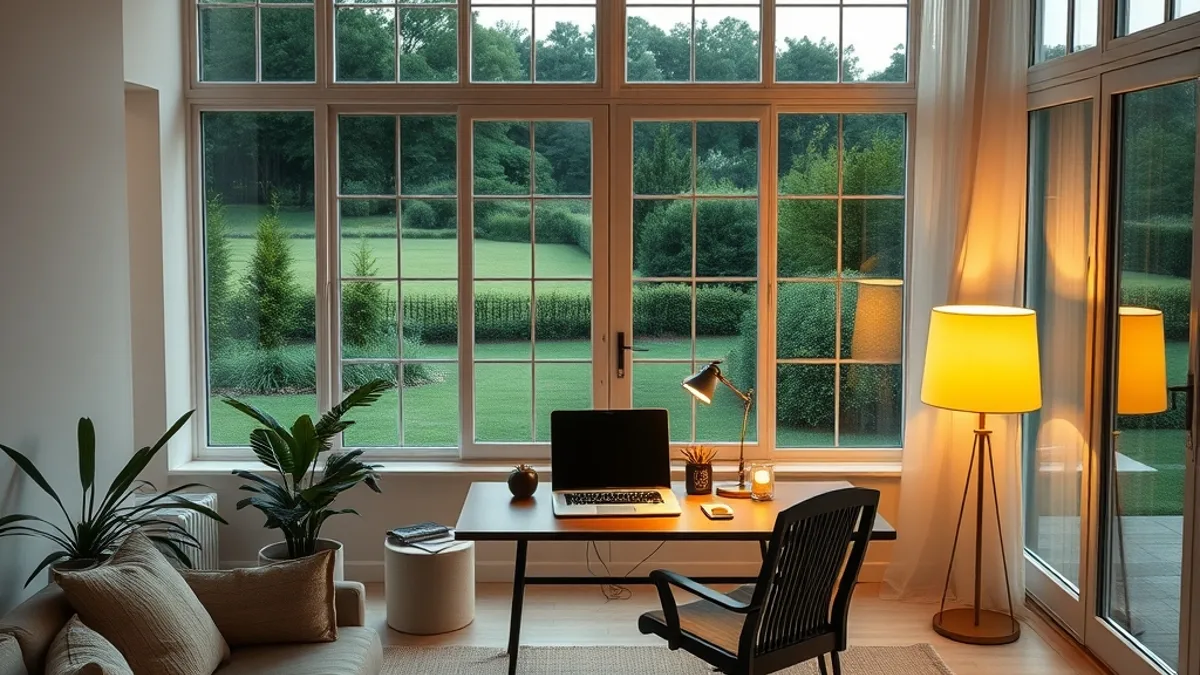
On arrival, pick a room with a solid table and a proper chair rather than defaulting to soft furniture. Dining tables are usually the best candidates in a villa. Position your setup near a window for natural light, but angle the screen so sunlight doesn’t hit it directly, since glare will have you squinting through every afternoon call.
Then spend part of your arrival day testing the Wi-Fi signal strength in your chosen spot. Budget 1-2 hours to set up and test the workspace properly, running a video call or speed test from the exact chair you’ll use daily. If the signal is weak there, move the router closer or shift your desk toward it before your first real workday, not during it.
Backup Internet: Routers, eSIMs and Local Cafés
Even a villa with excellent Wi-Fi can have an off day: a storm knocks out power, the router needs a restart, or the neighborhood connection slows to a crawl at exactly the wrong moment. The answer isn’t to hope for the best, it’s to build a backup layer before you need it. Think of it as cheap insurance against one missed client call, and set it up on your first day rather than scrambling when something breaks.
The easiest layer is a local eSIM data plan bought on arrival, typically $10-30 per week in most regions. It runs on your phone independently of the villa’s connection, so if the Wi-Fi drops mid-meeting, you can hotspot from your phone within seconds and stay on camera. For villas in remote areas where fixed-line internet is patchy or cell coverage is weak, a portable 4G/5G router, either brought from home or rented locally, gives you a stronger and more stable connection than a phone alone. It can also serve your laptop all day without draining your phone’s battery, which matters when your afternoon is back-to-back calls.
Spend 1-2 hours on arrival day getting this layer in place, then treat it like any other part of your workspace. Test the failover once while nothing is wrong, so you know exactly how long it takes to switch over when something is.
- Scout one or two cafés or coworking spots within 15 minutes of the villa during your first days, and note their busiest hours so you know when you can actually get a table on an emergency call day.
- Download meeting materials, decks, and files in advance each evening, so a full outage the next morning becomes an inconvenience instead of a disaster.
- Keep your eSIM topped up during busy work weeks, since data plans often expire or run out quietly and you don’t want to discover an empty balance mid-call.
Time Zone Strategies for Villa-Based Remote Work
Time zones are the make-or-break factor for villa work stays. A villa can have flawless fiber internet and a beautiful desk, and it still won’t help if every team meeting falls at 2 a.m. Map the gap before you book, not after you land, and build your week around it. The good news: a big difference doesn’t have to ruin a trip. Remote workers routinely handle gaps of eight, ten, or even twelve hours, and many come to prefer the split schedule once they settle into it. The key is deciding deliberately how you’ll work, rather than discovering your meeting times on arrival. A few practical habits make the difference manageable, even enjoyable, over a stay of several weeks.
- Calculate the difference before booking. Some gaps are dramatic: Bali to New York is a 12-hour difference, which means your team’s mid-afternoon meeting lands in your middle of the night. If the gap requires calls before sunrise or after midnight, decide now whether you can sustain that for weeks. Write out your likely meeting times in local time and picture an actual day, not just the numbers on paper.
- Negotiate a fixed overlap window with your team. Agree on a recurring block, such as 7-10 a.m. local time, where you’re guaranteed to be online together. Treat it like a meeting with your manager: protect it, and keep the rest of your day flexible. Most teams adapt quickly to one member’s shifted hours if you communicate the plan clearly and consistently.
- Put a world-clock app on your phone home screen. When your brain settles into local time, it’s surprisingly easy to misremember what 3 p.m. means back at the home office. A glance at the widget prevents missed calls far better than mental math.
- Schedule deep work in local afternoons. When your home-office colleagues are offline, nobody pings you. That’s the sweet spot for focused, uninterrupted work, leaving your overlap window free for collaboration. Many remote workers find they get more done in these quiet blocks than during a normal office day.
Once the overlap window is set and your calendar reflects both time zones, the rest of the day opens up. You’ll find that a well-planned gap feels less like a burden and more like a schedule with built-in quiet hours. Mornings go to your team, afternoons go to focused work, and evenings belong to the pool, the beach, or the nearest night market. That rhythm is exactly why a villa work stay can beat a regular month at home.
Choosing Destinations and Villas That Suit Work Stays
The destination you pick shapes your entire work stay. A stunning villa in the wrong time zone or with patchy internet turns a dream trip into a logistical headache. Start with your team’s location, then work backward to the villa.
Match the destination to your calendar
Whenever possible, choose a destination within 2-3 hours of your team’s time zone. Bali, for example, works well for Asia-Pacific teams because meetings fall at reasonable hours for everyone. A small gap keeps your overlap window comfortable instead of forcing early-morning or late-night calls.
Budget and booking timelines
Villa weekly rates typically run $800-2,500 depending on region and season, and within that range you can find places with genuinely reliable internet and a dedicated workspace. Cheaper options exist, but they often mean a wobbly table in a corner and a mobile hotspot that slows down every evening. If your income depends on video calls, treat the workspace as a non-negotiable line item.
For high season trips, book 2-4 months ahead. Work-friendly villas with proper desks and strong connections are the first to sell out, because remote workers book them early and often stay longer than typical vacationers.
Finally, filter listings by what they say, not just what they show. Prioritize places that explicitly mention a work desk, an ergonomic chair, and fiber internet in the description. Photos of a laptop balanced on a dining table tell you everything you need to know: keep scrolling.
Balancing Work Hours with Villa Life
The biggest risk of working from a villa isn’t a bad connection — it’s never logging off. When your bedroom is ten steps from your desk and the pool is visible from your screen, the lines blur fast. A few deliberate habits keep the trip from becoming one long, guilt-tinged workday.
Set clear work hours and stick to them. When the day ends, close the laptop physically and put it out of sight. That simple act signals your brain that the workday is over, and it stops the temptation to “just check one email” from the hammock.
Breaks matter more here than in a regular office, and the villa gives you better options than a scroll through your phone. A few ideas worth building into your day:
- Take a short swim before your afternoon focus block — even ten minutes in the pool resets your attention better than another coffee.
- Eat lunch in the garden or on the terrace instead of at your desk, so meal breaks actually feel like breaks.
- Do a five-minute stretch or walk around the grounds between calls to shake off screen fatigue.
Then plan one full day off per week to explore the area without a laptop. Leave the device charging in the villa and go see the town, the coast, or the markets. The setting is the point of the trip — a rested, curious worker gets far more out of it than one who watches paradise through a video call background.
Your Villa Work Setup, Sorted
Most remote workers who book a villa do it for the dream setting, then arrive to weak Wi-Fi, no real desk, and meetings pushed to midnight. The good news is that almost all of that frustration is avoidable with a little planning before you hit the booking button.
Verify Wi-Fi speeds and backup options before booking, not after arrival. Build a proper desk setup and plan your time zone overlap in advance, so your work hours and your downtime never blur together. With the right villa and a simple routine, remote work and a dream location really can coexist. If this guide helped you plan your next work stay, leave a comment or share it with a fellow remote worker.